
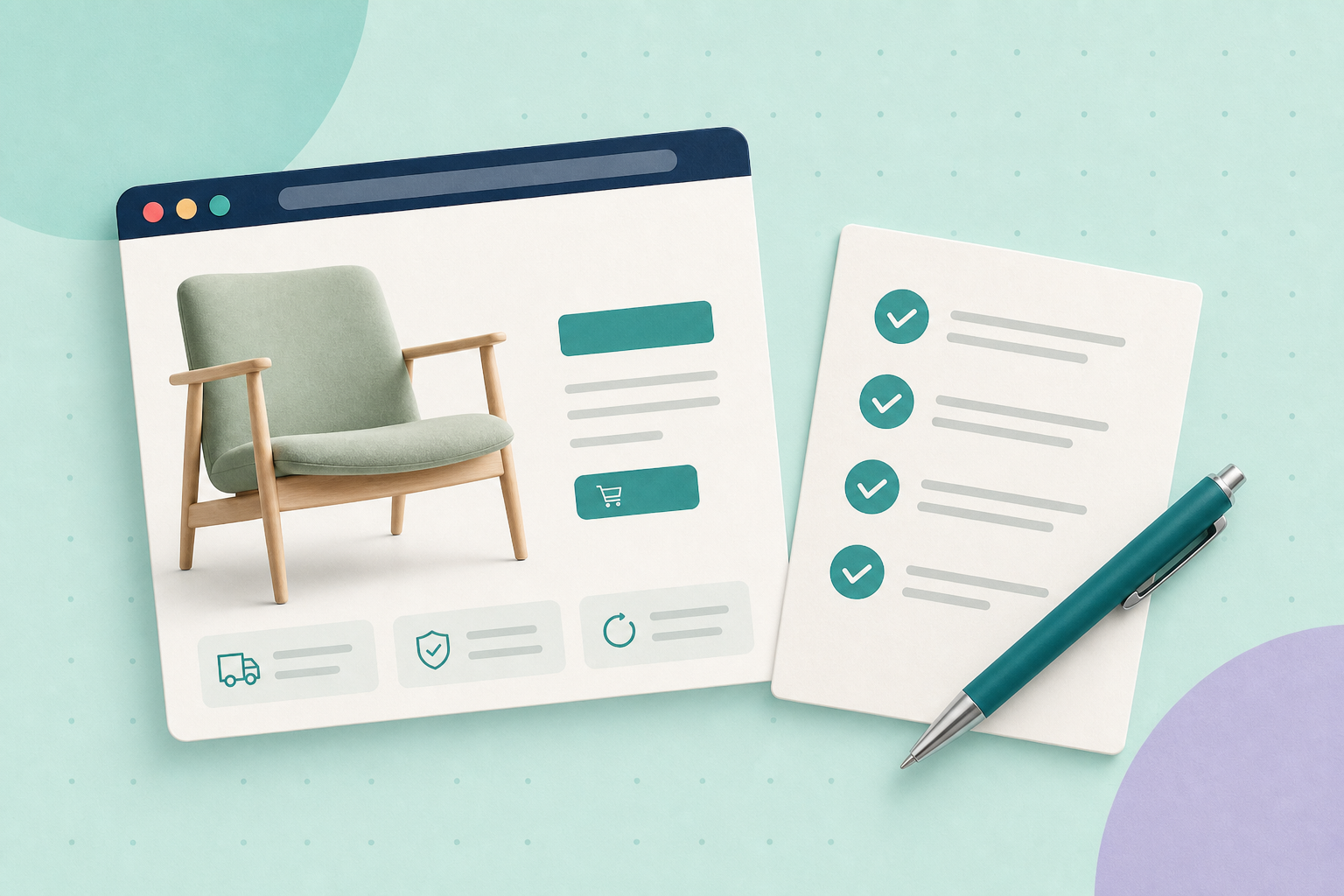
Before paying for more visitors, follow one buying journey through your shop. Start on the page the visitor will actually land on, choose a product, find its delivery terms and reach checkout. The most useful fix is often a missing answer along that route, not another badge or plugin.
In this guide
Follow one customer journey
Choose a representative product, destination and device. Use a normal customer view rather than a logged-in administrator session. Write down what you see, including where you hesitate; do not invent a conversion rate from one walkthrough.
- Landing-page promise. Does the headline and visible offer match the ad, email or search result that brought someone here? Can a new visitor understand what is being sold and who it suits?
- Product clarity. Can the shopper identify the exact item, choose a variant, see its current price and understand size, compatibility and what is included? Check that the selected option and image agree.
- Delivery and returns. Can they find the applicable delivery cost or how it is calculated, the destination limits and a clear route to the returns policy before committing? Do not offer a fixed promise you cannot support.
- Cart. Do the chosen variant, quantity and price remain correct? Check delivery for the chosen destination and explain any remaining uncertainty.
- Checkout. Can someone understand required fields, recover from an error and see the final total before paying? Test the full order on an isolated staging copy with a sandbox payment method, not a real customer’s card.
WooCommerce’s variable-product guidance explains option-specific settings. Its test-order instructions cover safe payment testing; remember that test orders can still trigger emails.
Watch for slow-loading images or controls that move while you try to use them. Measure a repeatable problem before choosing a fix. A performance score by itself does not show whether this shop’s customers can complete their purchase.
A delivery-cost example
Imagine an illustrative lamp shop whose ad promotes a compact desk lamp. The product page explains its size and bulb fitting, but delivery is only explained after the shopper enters an address at checkout. The owner verifies that standard mainland delivery is £4.95 for the example order, while remote destinations need a separate quote.
Before: “Shipping calculated later.”
Possible rewrite using those checked facts: “Standard mainland delivery: £4.95 for this order. Remote destinations need a quote; check our delivery guide before ordering.”
The acceptance check is specific: open that product on a phone, find the delivery explanation beside the buying information, follow the policy link and confirm the matching test address receives £4.95 in the cart. Test an excluded destination too. This demonstrates clearer information, not a measured increase in sales.
Separate search indexing from paid traffic
Organic indexing is a separate question: do you want this page eligible for unpaid Google Search results? If so, inspect it in Search Console and investigate unintended indexing blocks. Google’s noindex guidance explains how that directive excludes a page from Search when Google can crawl it. Keep deliberate exclusions for private, test or other unsuitable pages; do not remove them just to complete a conversion checklist.
A paid landing page does not universally need organic indexing. For Google Ads, check destination requirements, including a functioning, relevant page that AdsBot can crawl. AdsBot access and organic indexing are different checks. Campaign-specific products can have additional requirements: for example, Google’s Dynamic Ad Group troubleshooting includes AdsBot-specific blocking directives. Identify the campaign and the actual blocker before changing robots rules.
Likewise, product structured data can support eligible search features, but it is not a universal prerequisite for a usable cart or checkout. Keep technical search improvements on their own list so they do not displace an obvious buying problem.
Choose and check a fix
Pick the clearest obstacle you actually observed. “Improve conversion” is too broad; “the selected size disappears from the cart summary” gives someone a repair to make and a result to check. Record the page, selected option, device and expected behaviour, then repeat the same journey after the change.
Where measurement is available, compare relevant traffic and completed actions over a sensible period, allowing for changes in audience and campaigns. Without those records, say that the usability check passed; do not claim a revenue result.
Start with the product you next plan to promote. For the two common stumbling points, work through delivery costs before checkout and helping customers find products.