
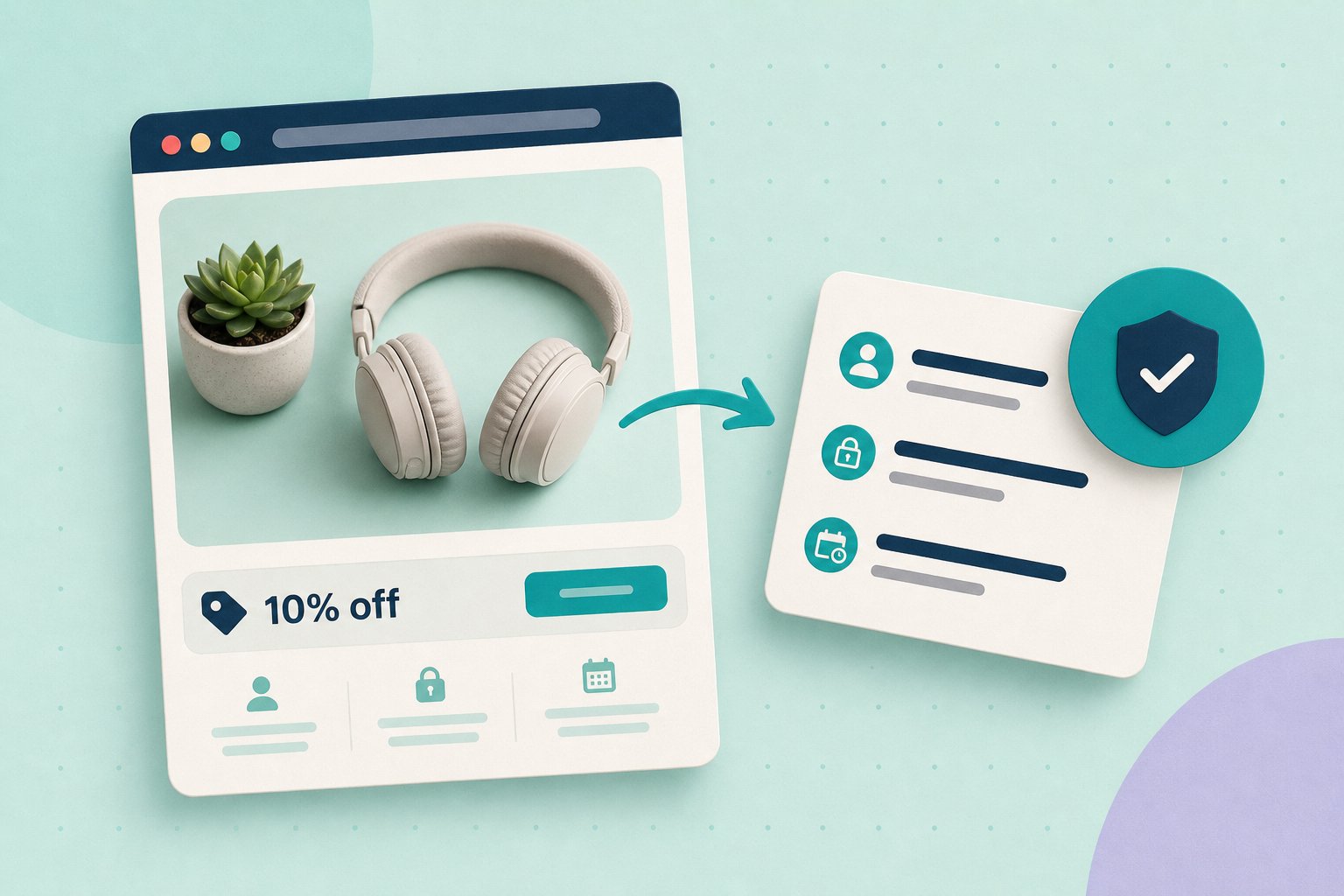
Customers who abandon their cart because they can’t find a code are lost revenue; publishing every coupon everywhere is lost margin. Start by deciding whether a promotion should be public (signposted but no public code) or controlled (codes sent only to verified channels). That single decision drives what controls you need and how tightly to test them.
Contents
Decide a visibility policy
Pick one of two sensible approaches and document when you’ll use each.
- Public signpost, private code: Use a banner or landing page that promotes the deal but doesn’t publish the code. Tell visitors to log in, check their account, or join the mailing list to receive the actual coupon. This reduces scraping while still advertising value.
- Controlled distribution: Reserve codes for verified channels — transactional emails, receipts, loyalty accounts or an authenticated account message — when the code must be single‑use, time‑limited or otherwise constrained.
Which to choose depends on how broad the promotion is and how costly abuse would be. Broad seasonal promos can be public signposts; high‑value single‑use discounts need controlled distribution.
Configure core WooCommerce coupons
WooCommerce core includes fields that limit exposure and scope: expiry date, total usage limits, limit per user, “individual use only”, product or category restriction and minimum/maximum spend. Use those fields to reduce accidental or low‑value redemptions. See the official coupon documentation for the available fields and recommended checks: WooCommerce: Coupon management.
When you run tests, confirm how the discount interacts with tax and shipping for your checkout setup — some plugins or customisations can change where and when the discount is applied. The coupon docs explain expected behaviour and what to verify in checkout: WooCommerce: Coupon management.
Use extensions for per‑recipient controls
Per‑email restrictions, single‑use token generation and role‑based coupons usually need an extension. For example, Smart Coupons provides “allowed emails” and role restrictions, and the Coupons by User Role extension lets you limit coupons to specific WordPress user roles. Consult each extension’s documentation before buying and confirm the exact UI and option names in your staging site: Smart Coupons: restrict to billing emails, Smart Coupons: restrict by user role, Coupons by User Role.
Don’t assume an extension does one particular thing until you check its current documentation and your install: extension features and UI labels vary by version and supplier.
Staged test to confirm controls
Always test on a staging copy (not live) before rolling out. A simple staged test:
- Create a coupon with strict limits (short expiry, total usage limit = 1, and if available, restrict by a test billing email or role).
- Publish a public banner that advertises the offer but does not include the code; the banner should prompt eligible visitors to log in or check their email/account.
- Attempt checkout as the targeted test account and verify the coupon redeems correctly.
- Attempt checkout as a non‑targeted account and confirm redemption is rejected or inapplicable.
- Repeat the targeted checkout to ensure usage limits and “one use” behaviour work as expected.
During these flows, observe whether tax or shipping calculations change unexpectedly. If they do, inspect any checkout customisations or payment/fulfilment plugins; they can alter discount timing or totals.
Monitor redemptions and iterate
Use WooCommerce Analytics to track coupon use and spot abuse patterns. The Coupons report and Orders report filtered by coupon let you see which orders used a code and which customer emails or accounts redeemed it. Review these reports after each promotion and tighten rules if abuse appears (shorter expiry, higher minimum spend, role/email restriction, or single‑use tokens): WooCommerce: Coupons report.
Remember: no configuration eliminates fraud. Treat your policy as an evolving set of trade‑offs — monitor, adjust thresholds and, for persistent problems, combine technical limits with manual review for suspicious redemptions.
UX messaging for public signposts
When you advertise broadly but keep codes controlled, the UX matters. A few practical patterns that reduce confusion without exposing codes:
- Banner copy such as: “Members: check your account for an extra 10%” (no public code). That sets expectation without publishing sensitive tokens.
- Landing page that explains eligibility and next steps (log in, check email, sign up), not the code itself.
- Account inbox or transactional email that contains the unique code or link to a one‑click redemption. Test these messages end‑to‑end: generate the transactional email in staging and verify the code/link works only for the intended account.
Keep communications honest about availability and limits. Avoid manufacturing scarcity in a way that could mislead customers or violate local rules.
Quick checklist
- Choose visibility policy: public signpost or controlled distribution and document when to use each.
- Use core coupon fields (expiry, usage limits, per‑user limit, product/category restrictions, min/max spend) to reduce accidental redemptions: coupon docs.
- If you need per‑email or role restrictions, confirm and install a documented extension and test it in staging: Smart Coupons (billing emails), Smart Coupons (user roles).
- Run the staged test: targeted account redeems, non‑targeted account cannot, and usage limits enforce single use.
- Monitor with WooCommerce Analytics Coupons and Orders reports and tighten controls if you see abuse: coupons report.
Related practical guides: Make promotional banners and pop‑ups accessible and SEO‑safe (for banner and landing‑page messaging) and Configure and test WooCommerce order and low‑stock emails (useful for testing transactional email delivery and content).