
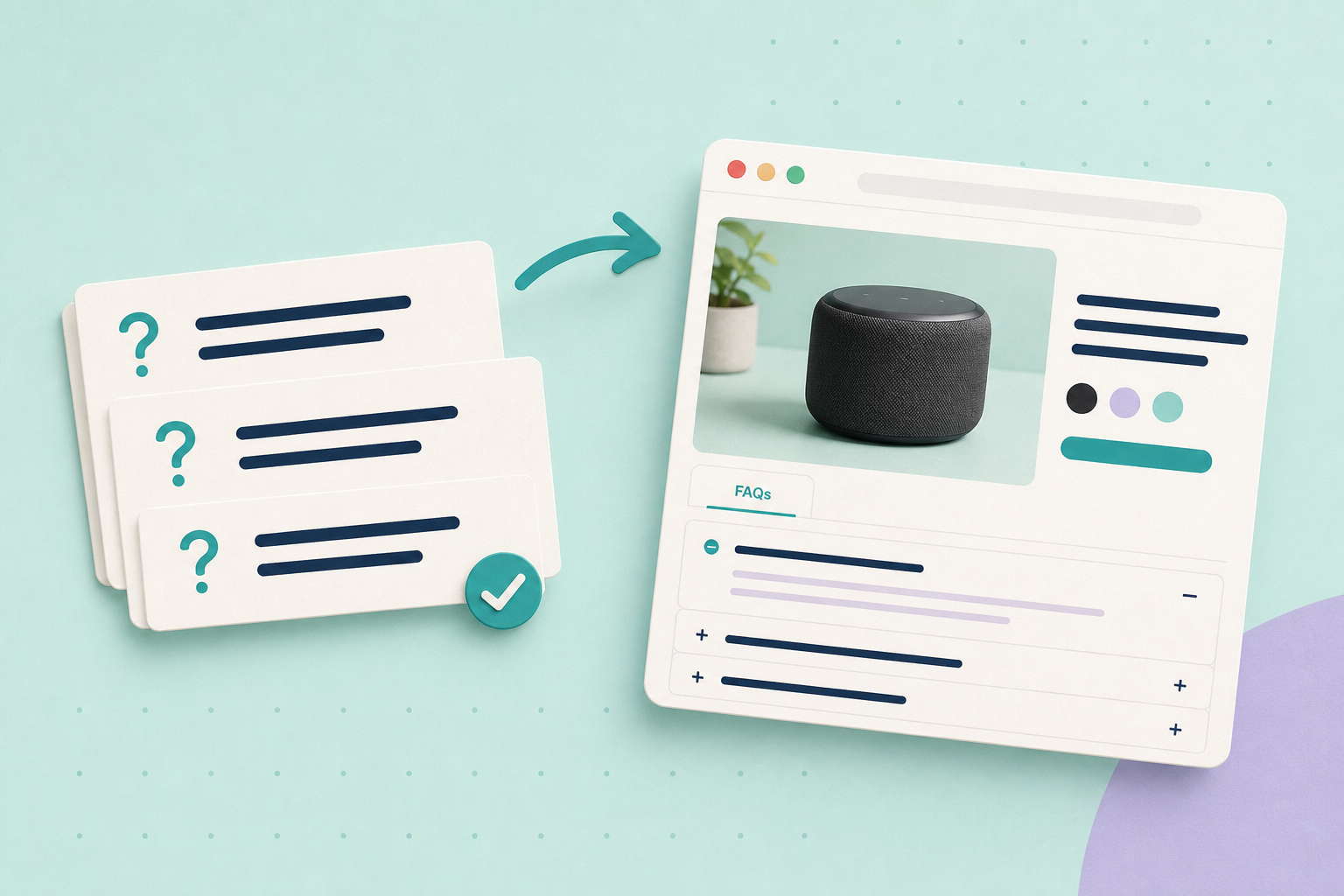
A useful product FAQ answers the question a customer needs settled before buying. Start with the question your product description leaves unanswered, check the answer, and put it where a shopper can find it. You do not need a new plugin or search markup to begin.
In this guide
Choose a buying question
Look through recent sales enquiries, support messages and reviews for uncertainty about fit, compatibility, what is included, delivery or care. Remove names, order details and private information before using a question elsewhere. Rephrase it for any customer with the same problem.
Frequency helps you choose, but one serious compatibility question may matter more than ten requests for a colour already shown clearly. Check the supplier’s current specification for the exact model or variant. If your shop record disagrees, resolve that disagreement before publishing an answer.
Turn a verified fact into an answer
Imagine a shop selling a filter cartridge. This is an illustrative example, not a tested product recommendation.
- Customer question: “Will this fit my X100 machine?”
- Approved fact: The example supplier’s compatibility sheet lists X100 and X110 for cartridge F10; it explicitly excludes X100 Mini.
- Published answer: “F10 fits the X100 and X110. It does not fit the X100 Mini. Check the model name on your machine’s label before ordering.”
The useful addition is the exception. “Fits X100 machines” sounds shorter, but leaves the Mini owner with the wrong impression. Keep the source and the date you checked it in your private product notes. Do not publish a customer’s support ticket or your internal editing log.
Put the answer near the decision
For one or two answers, start with the existing product description. Put a critical limitation beside the relevant choice or buying control too; a shopper should not need to open a tab to discover that an accessory is incompatible.
For a longer set, a clearly named FAQ section or accessible accordion can help. Check that it opens by keyboard and on a small screen. Do not hide the only statement of an essential specification inside it. Your theme determines the editing route: WooCommerce’s product-template guidance describes block-based customisation, while product data tabs are a developer option for compatible classic layouts. Use what your shop already supports before adding an extension.
What schema does and does not do
Schema is optional background to this job. FAQPage remains a Schema.org vocabulary type; that does not mean Google offers a matching search feature. Google stopped showing FAQ rich results on 7 May 2026 and removed their documentation on 15 June. Its Search documentation updates record both changes. The older advice about government and health sites is no longer the current rule.
Do not switch a product FAQ to QAPage simply because customers submitted the questions or someone moderates them. Google’s QAPage requirements concern a page focused on one question where users can submit answers. They explicitly exclude a product page containing multiple questions and answers. A shop-authored answer list is not made eligible by calling it a community discussion.
Make the visible answers accurate and useful first. Any existing structured data should describe the page honestly, but buying a schema tool is not a prerequisite for answering customers.
Keep answers useful
Recheck answers when the product, supplier specification or relevant policy changes. Link delivery and returns answers to the current policy rather than copying a whole policy into every product. Test the page as a shopper: can you find the answer, understand the exception and still choose the right product?
Start with one unanswered buying question on one product today. If AI helps with wording, use the approved-facts workflow; if measurements are the problem, read product dimensions customers can use.