
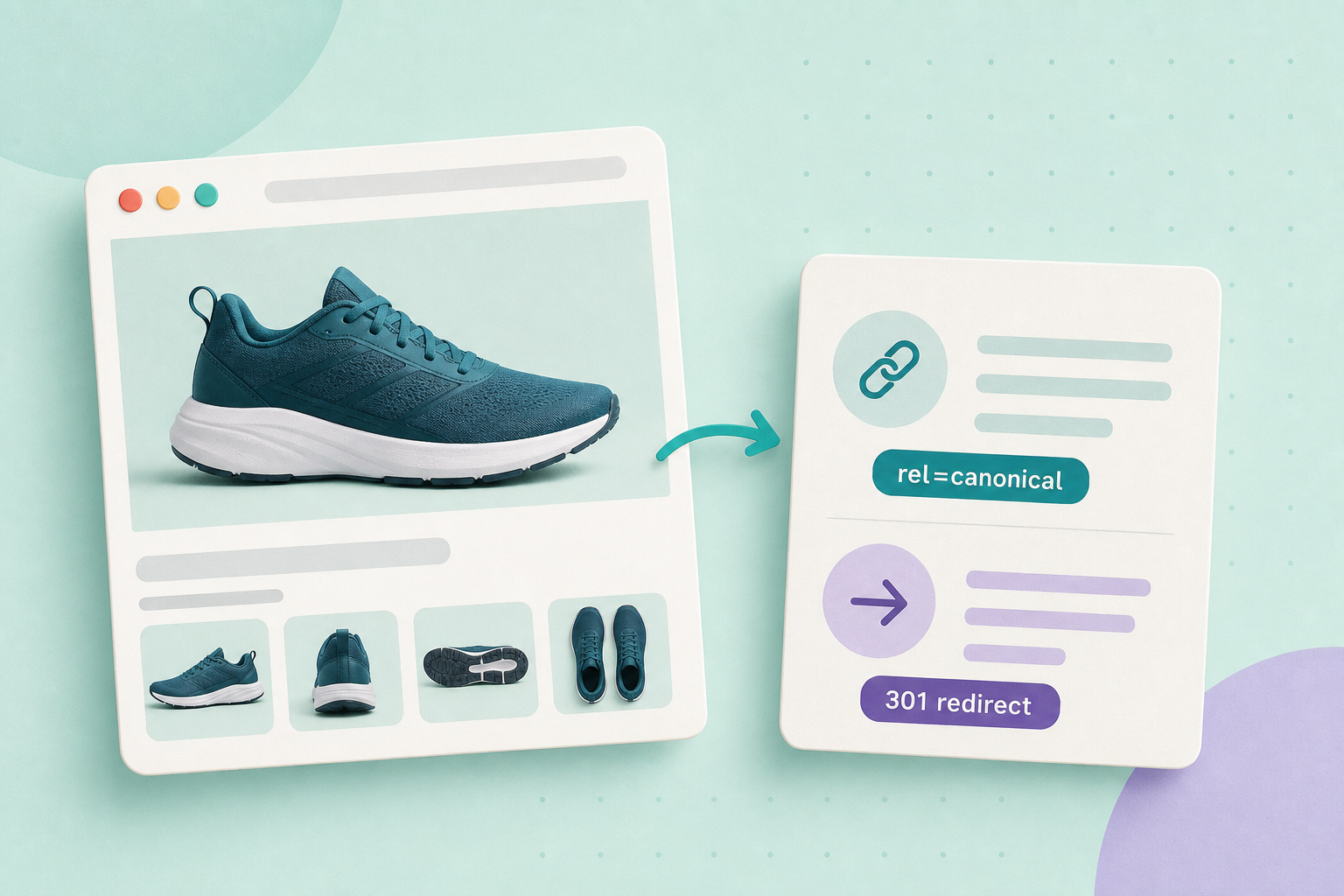
If you’ve merged SKUs or moved products and now have legacy URLs or filter-derived pages, the simplest practical rule is: use a 301 redirect when the old URL has permanently moved (especially if it has external backlinks or bookmarks); use rel="canonical" when multiple live pages intentionally show small variations of the same content and you want search engines to treat one master page as canonical.
Contents — guide at a glance
Quick decision
Choose a 301 redirect when a product URL has a clear one-to-one replacement and you want to preserve bookmarks and link signal. Choose rel="canonical" when pages should remain live for users (filtered views, colour/size landing views, or intentionally small editorial differences) but you want search engines to treat a single URL as the canonical version. Google documents both approaches and their intended uses: see Google on 301 redirects and Google on consolidating duplicate URLs.
Why the difference matters
301 redirects are a stronger, explicit server-side signal that the content moved permanently; they return an HTTP status and a Location header that both browsers and search engines follow. For Google’s guidance on using redirects for moved content, see the 301 redirects documentation.
rel="canonical" is a hint in the page head that tells search engines which version you prefer when several pages are very similar. It’s intended for live near‑duplicates rather than permanent moves. Google recommends inspecting which page Google chose as canonical when the decision matters; their troubleshooting guide explains how to check canonicalisation issues and why the engine may choose a different canonical than your tag suggests: Google’s canonicalization troubleshooting.
Inventory and inspect the affected URLs
Do this before changing anything site-wide.
- Make a short list of changed or duplicate product URLs (start with 5 high-value or high-traffic items).
- For each URL record: current HTTP status (200/301/404), the page’s
<head>for any existingrel="canonical", and whether that page has external inbound links or important bookmarks. You can check the head in a browser with DevTools > Elements or View Source. - Use Google Search Console’s URL Inspection to see which URL Google currently considers canonical and whether Google observed redirects. See Google’s canonicalization troubleshooting for how to interpret those results.
Implementing in WordPress / WooCommerce
Pick the shortest reliable implementation for your environment. Server-level redirects (nginx/apache) are ideal for performance; WordPress functions/plugins are practical when you don’t have direct server access.
- If you can edit server config or host redirects, create a permanent 301 rewrite from the old URL to the new canonical URL. (Preferred for permanent moves and preserving backlinks.)
- In WordPress you can programmatically set a redirect with wp_redirect() and the proper HTTP status. Be sure the redirect sends a 301 for permanent moves.
- Be aware WordPress may run redirect_canonical() on certain URL variants. That can help or interfere; check whether WP is already redirecting a variant before adding your own rules.
- To add a canonical tag inside WordPress-managed templates, understand WordPress’s native output: rel_canonical() outputs the canonical tag for singular content. If you need a different canonical for a taxonomy or custom case, add a hook or template head change that outputs the intended URL.
- WooCommerce documents mapping removed products to replacements in a way that helps you plan redirects: WooCommerce product redirects.
Practical implementation notes
Do not rely on JavaScript-inserted canonicals unless you have a reason: an HTML canonical in the server response is preferred. Google’s guidance on JavaScript SEO explains limitations when critical signals depend on client-side execution: Google JavaScript SEO basics.
How to verify your change
Verify both the server behavior and what Google sees.
- Check the HTTP response. In a browser use a private/incognito session and a header-check tool or a terminal
curl -I(example below) to confirm a 301 and Location header for redirects, or a 200 for pages left live. - Inspect the page head to confirm the canonical tag points to the expected URL when you chose
rel="canonical". - Use Google Search Console’s URL Inspection for the old and new URLs. The tool reports whether Google saw a redirect and which URL Google currently treats as canonical; read the canonical selection and any reported issues. See Google’s troubleshooting steps: canonicalization troubleshooting and troubleshoot crawling errors.
curl -I https://example.com/old-product-url
# Expect a 301 and a Location: header when you implemented a redirect

curl -L -I https://example.com/old-product-url
# Follow redirects to see the final response headers (useful to check where 301 leads)
When you use rel="canonical", confirm the page’s HTML head contains a tag like:
<link rel="canonical" href="https://example.com/preferred-product-url/" />Fictional example (labelled)
Imagine your migration left two URLs: /mug-red (legacy) and /mug?color=red (new canonical). You inspect inbound links and see the legacy URL has several external backlinks. Decision: implement a 301 from /mug-red to /mug?color=red to preserve link value and bookmarks. For filter-generated pages like /mug?color=red&size=small that you want available to users but not independently indexed, you add rel="canonical" to point those filtered pages back to /mug (the master product page). After changes you verify with curl -I that the legacy URL returns 301 and with Search Console URL Inspection to confirm Google observed the redirect and selected /mug?color=red as canonical.
Rollout checklist
- Record current state for each URL (status, canonical tag, inbound links).
- Choose approach per URL: 301 for permanent one-to-one moves; canonical for intentional live near-duplicates.
- Test changes on a small sample (5 items) and verify HTTP headers and HTML head.
- Use Search Console URL Inspection to confirm what Google observed.
- Roll out in small batches, preserve a rollback plan and log each change.
- Monitor relevant Search Console reports and your site analytics for unexpected traffic drops (allow time for changes to be re-crawled).
Related practical reads from this site: Faceted navigation and filters: avoid duplicate URLs and indexation problems and Add the product structured data search engines expect (WooCommerce). Start with five high-value product URLs: for each, record status and inbound links, implement your chosen approach on one URL, verify with curl -I and Search Console URL Inspection, then roll the rest out in small batches.