How to create useful shop images with ChatGPT and other AI tools
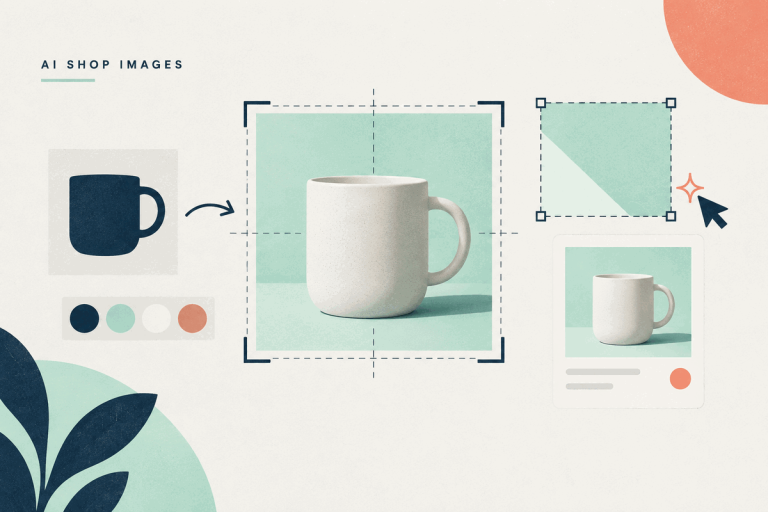
Brief AI shop images for the page they need to fit. Includes a six-line prompt recipe, tool recommendations and a real banner revision.


Brief AI shop images for the page they need to fit. Includes a six-line prompt recipe, tool recommendations and a real banner revision.
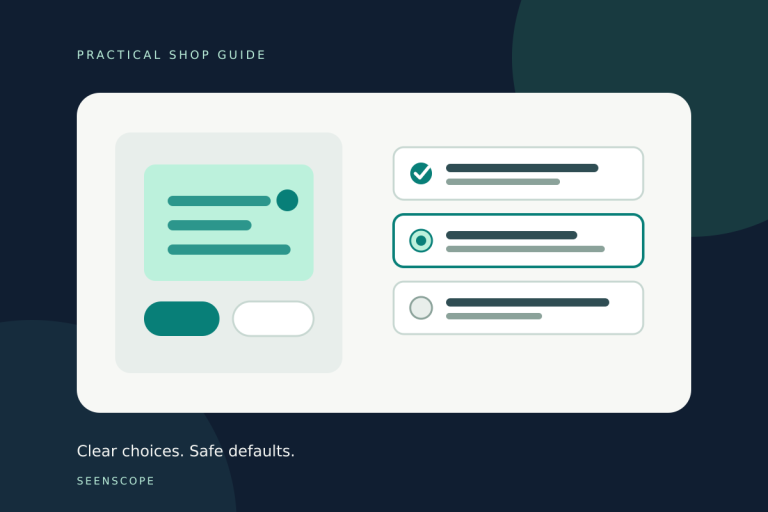
Make WooCommerce variation choices easier to understand. Fix vague option names, use defaults carefully and test what reaches the cart.
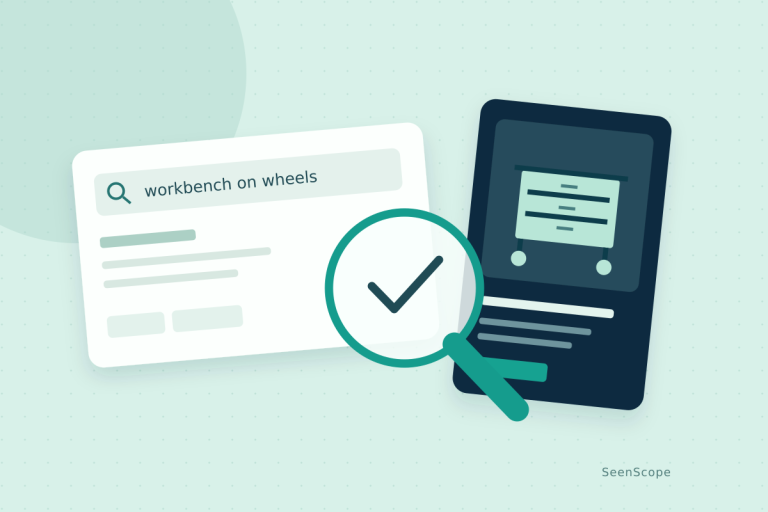
Test five products with fifteen real-world searches. Find missing products, fix customer-language gaps and decide whether your search needs better configuration or a better tool.

Show customers a useful delivery cost before checkout. Choose the right promise, enable the cart calculator and test ordinary, free-shipping, bulky and international baskets.

Trace one test enquiry from the form to the receiving mailbox. Find the failing step, check sender settings and give support a message they can investigate.

Give ChatGPT a useful job: sharpen product copy, catch variant contradictions, answer buying questions and check your catalogue. Five practical workflows with prompts you can copy.

One extra click can produce a heroic percentage increase. Check the actual counts, the searches behind them and whether your important pages are indexed. Then fix a problem you can point to.

Before buying an AI visibility service, fix the product information a customer needs. Start with one valuable page, close the gaps and ask what any readiness score actually measures.

Review your gallery plugin before its next renewal. WooCommerce 11.1 changes the job its own extension does, so check the features you use, test the built-in gallery and confirm where any subscription stands.